
HOTKEY → TEXT
Speak instead of
typing.
What you say appears as text wherever your cursor is. WhisPaste processes the recording on your computer by default; a cloud provider is available only if you choose one. The app is free and open source.
A Store purchase supports development. Thank you.
Speech recognition runs locally unless you choose a cloud provider.
Available for Windows, macOS and Linux
2
3
In every app
Speak here. The text appears right here
Press the hotkey in the app you are already using and speak. WhisPaste inserts the transcript in the active text field.
1Press the hotkey
2Speak
3Text appears at the cursor
- No app switching
- Transcribed, not rewritten
The same shortcut in every app
Move between apps. The shortcut stays the same.
These examples show WhisPaste in five places: a text editor, a terminal, a browser, an email app and a notes app. In each one, the transcript appears in the active text field.
Editor
Add a review comment by voice without leaving the editor.
Terminal
Enter a commit message by voice without leaving the terminal.
Browser
Fill the active form field without leaving the browser.
Reply without opening another tool.
Notes
Capture a note in the app you already use.
Platforms
macOS. Windows. Linux.
WhisPaste is available for macOS, Windows and Linux. Local transcription can run on the CPU or use Vulkan or Metal when available.
Features
Everything you need to write by voice
From hotkey to finished text
Press one hotkey, speak, done — the transcript lands right at your cursor in any app. No window switching, no copying things around by hand.
Voice Snippets, picked at your cursor
Reusable text blocks on call: say your trigger word or press the snippet hotkey and a searchable picker opens where you type. Interactive snippets even fill multi-field templates, one field at a time.
Smart Mode: clean up, shorten, translate
Three local AI presets polish your transcript before it is pasted — Cleanup, Concise, or Translate into seven validated target languages. On-device on macOS and Windows.
Clipboard side panel at the screen edge
Hover the edge of your screen to pull out recent transcripts, snippets, and clipboard history — click or drag to insert them where you work.
Searchable history of every recording
Every transcript is kept locally and is full-text searchable — reopen, copy, or re-insert past recordings any time.
Offline first, private by default
Local Whisper engines transcribe on your machine — no account, no cloud requirement. Nothing leaves your device unless you opt in.
Runs on your hardware — all of it
CUDA, Vulkan, or plain CPU: WhisPaste picks the fastest path on your machine, with the same features on macOS, Windows, and Linux.
Use cases
For code, study and everyday writing
Developers
Write review comments, commit messages and issue replies by voice while you keep the code in view.
See examples
Students and researchers
Capture notes, excerpts and first drafts by voice in Word, Obsidian or your editor while the source stays in front of you.
See examples
Everyday writing
Answer emails and chats or jot down a quick note without opening another tool or moving away from the current app.
See examplesStay in context
Stay in the app you are using. Speak when you need text.
The text appears in the field you are already working in, so you can continue without changing windows or reaching for the mouse.
SPEED
Speaking usually takes less time than typing.
A typical typing speed is about 40 words per minute; conversational speech is closer to 150. A longer message can therefore take less time to speak than to type.
Approximate rates for everyday typing and conversational speech.
LOCAL ENGINES
Two local engines for different needs
Whisper covers more languages and can use a GPU. Parakeet supports fewer languages but runs much faster on a CPU. You can switch between them at any time.
Whisper
More languages and model sizesvia whisper.cpp
- Languages
- 99
- Hardware
- GPU-accelerated + CPU fallback
- Best for
- Language coverage and accuracy
Whisper runs with Vulkan, Metal or the CPU. Three model sizes let you balance transcription quality against memory use and speed.
Parakeet
Faster on the CPUNVIDIA Parakeet-TDT via sherpa-onnx
- Languages
- ~25
- Hardware
- CPU-only, no GPU needed
- Speed
- Several times faster than Whisper on the same CPU
Parakeet is a good fit when fast local transcription matters more than broad language coverage, especially without a dedicated GPU.
Both engines work offline, so recordings and transcripts stay on your device. Switch between them in Settings → Speech-to-Text.
Screenshots
A closer look at WhisPaste
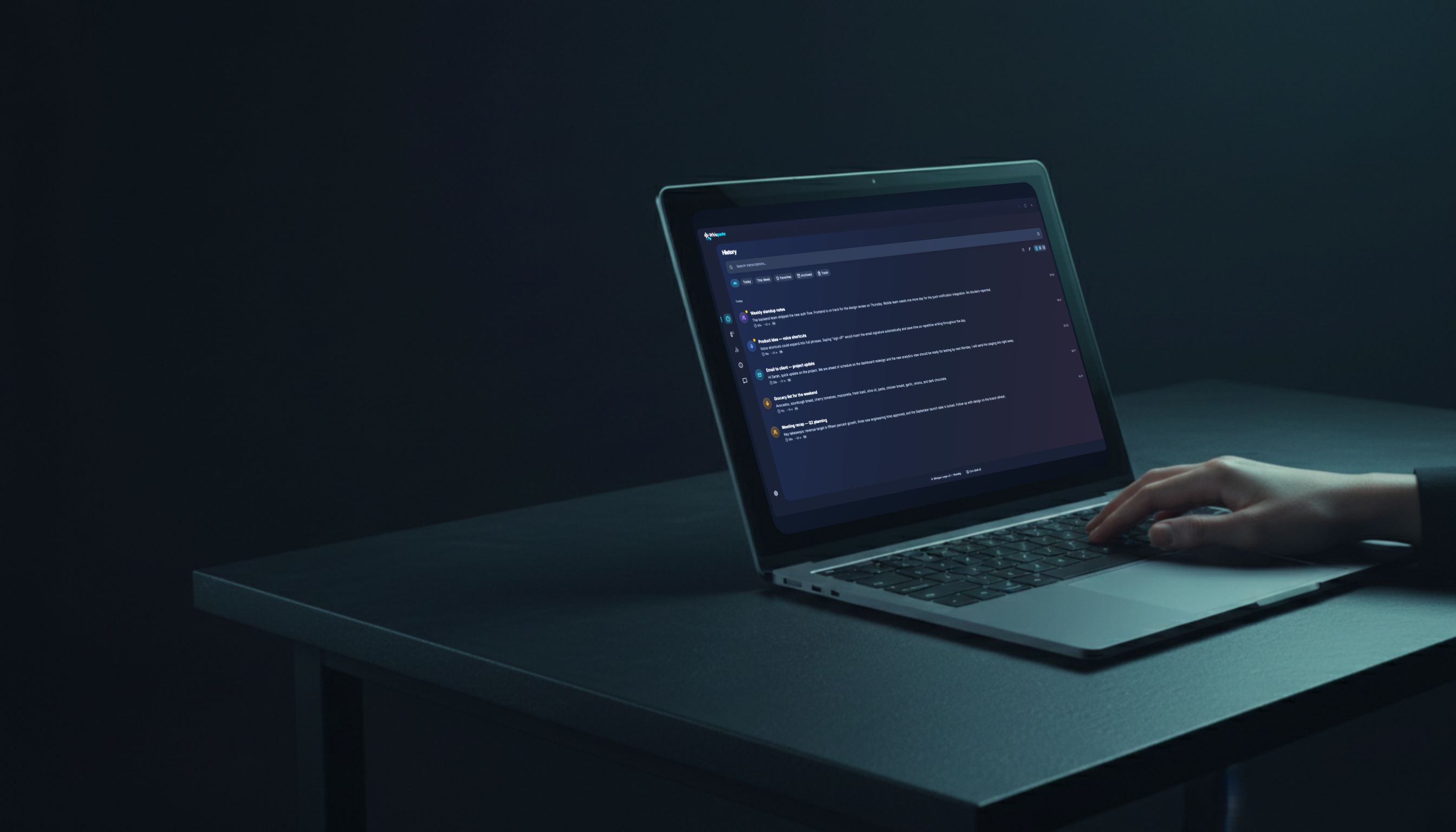
WhisPaste keeps each transcript in a searchable history where you can edit and organize it. These two views show the workspace and detail editor.

Privacy
You decide where your audio is processed
Local transcription is the default. A cloud provider is used only when you select one, and you can turn off anonymous usage statistics at any time.
Local by default
With a local engine, transcription runs on your computer and the recording does not leave it.
Anonymous and optional
Usage statistics are anonymous and aggregated; they never include audio, text or history. You can turn them and crash reports off in Settings → Privacy.
Cloud is optional
When you choose cloud transcription, WhisPaste sends the recording directly to that provider. It does not pass through our servers.
Pricing
The whole app is free.
The complete app is free to download from GitHub. Buying it from the Microsoft Store or Mac App Store supports development. The app has the same features either way.
- Offline transcription
- Voice Snippets
- Smart Mode (on-device AI cleanup)
- Clipboard side panel
- GPU acceleration
- History and search
- Auto-updates
- Open source (MIT)
A Store purchase supports development. Thank you.
Languages
Choose from 99 languages
Whisper supports 99 languages and can detect them automatically. Parakeet covers about 25 languages but transcribes several times faster on a CPU. Choose the engine that fits your language and hardware.
 English
 Deutsch
 Español
 Français
 Italiano
 Português
 日本語
日本語 中文
中文 한국어
한국어 Русский
 العربية
 हिन्दी
 Polski
 Nederlands
 Türkçe
 Svenska
 Čeština
 Українська
 Bahasa
 Tiếng Việt
 ไทย
ไทย Ελληνικά
 Română
 Magyar
FAQ
Questions and answers
Is WhisPaste free?
Can I use WhisPaste without an internet connection?
How accurate is the transcription?
What are the system requirements?
Which languages are supported?
Whisper or Parakeet: which local engine should I use?
What are Voice Snippets?
Can WhisPaste clean up, shorten, or translate my transcripts?
What happens to my recordings?
Is WhisPaste available on Mac or Linux?
Why does Windows show a warning when I download?
Why does macOS warn that WhisPaste can’t be verified?
Feedback
Feedback from people using WhisPaste
These comments and reviews were submitted in the app and on the app stores. We do not publish names or create user profiles.
"Very good - a great program and a great time-saver, thank you."
"I love this."
"Love it, thanks for your work."
"Perfect, working very good!"
"TOP"
Ways to support WhisPaste
The app is free and developed independently. A GitHub sponsorship or a coffee helps cover development, maintenance and code signing. A star on GitHub also helps and costs nothing.
A Store review helps other people decide whether WhisPaste is right for them.